If you’re looking for how to add a bank account to BPI online, this article has you covered.
In this article, you’ll learn how to add a bank account to BPI online, add a third-party account through the BPI mobile app, and register a third-party account in BPI.
How To Add Bank Account To Bpi Online
Follow the steps below if you want to add a bank account to BPI Online:
- Visit the BPI Online website
- Sign in to your account.
- Select “Other Services”
- Click “Manage My Accounts.”
- Choose “Yes, send me the code” to get your OTP via SMS.
- Enter the six-digit OTP.
- Press the Submit button.
- Choose the BPI account you want to add.
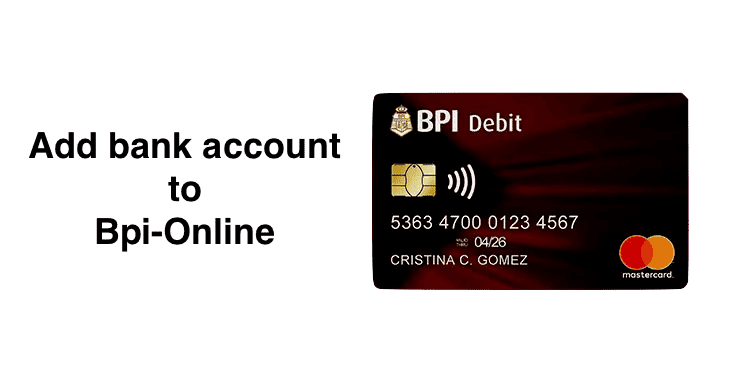
- Enter the JAI. It is a number beside your name in your ATM.
- Double-check your Account Number and JAI before pressing YES.
- Wait until the process is complete before you click done.
- You will see all the accounts you have or have enrolled in online banking
- You will receive an email notification about your account enrollment at your registered email address.
How Can I Add My Account Number To BPI Mobile App?
You can learn how to add a third-party account for money transfer through the BPI Mobile app by following the below steps:
- Launch BPI mobile app
- Sign in to your account
- Click account maintenance
- Under the update Mobile number, select “Edit
- Enter your debit card and new mobile number.
- Visit the BPI ATM near you to activate the request.
How Do I Register My Third-Party Account In BPI?
You can register a third-party account in BPI online by following the below steps:
- Visiting www.bpiexpressonline.com
- Click login and enter your login credentials
- Click funds transfer
- Click Enroll Third-Party Accounts
- The select method will enroll the third-party account from options available; Print Sign, and mail or print, sign, and submit the form.
- After you have selected the enrollment method, enter your ATM card number, joint Account Indicator (JAI) No, and prompt Third Party Information.
- Click “Continue”
- You will be redirected to the summary enrollment page
- Click confirm details to ensure they are correct
- Click the “Submit & Print” button
In this article, you have learned how to add a bank account to BPI Online, add an account number in the BPI Mobile app, and register a third-party account in BPI.